01
Use the system they already know
Import a physical board, laminated core board, or icon book as a photo or PDF from Camera, Gallery, Files, or the iOS Share sheet. Keep the exact photographed layout or make an editable copy.
InnerVoice + EASI
InnerVoice lets AAC users talk about topics that matter to them while defensible goal evidence is recorded and uncertain items are held for review. The resulting language sample can be printed or manually exported into EASI's existing-transcript workflow for clinician-controlled analysis and documentation.
The district pain point
Clinicians and teachers should not have to tally every defensible opportunity on a clipboard while trying to sustain a natural interaction. InnerVoice reduces that repeated tallying burden by creating reviewable goal evidence and a language sample—without handing clinical interpretation to the app.
One continuous workflow
The evidence comes from the student's recorded interaction with the AAC system and vocabulary available to them—not from a disconnected worksheet or a second testing interface.
Import a physical board, laminated core board, or icon book as a photo or PDF from Camera, Gallery, Files, or the iOS Share sheet. Keep the exact photographed layout or make an editable copy.
Type, dictate, paste, or photograph a goal or IEP page, then review the extracted wording before saving. InnerVoice uses the vocabulary available on the student's board when creating natural opportunities to practice.
Scene Talk, real questions, and pictures created when the communicator asks for one provide meaningful material for taps, typing, speech, photos, or drawings.
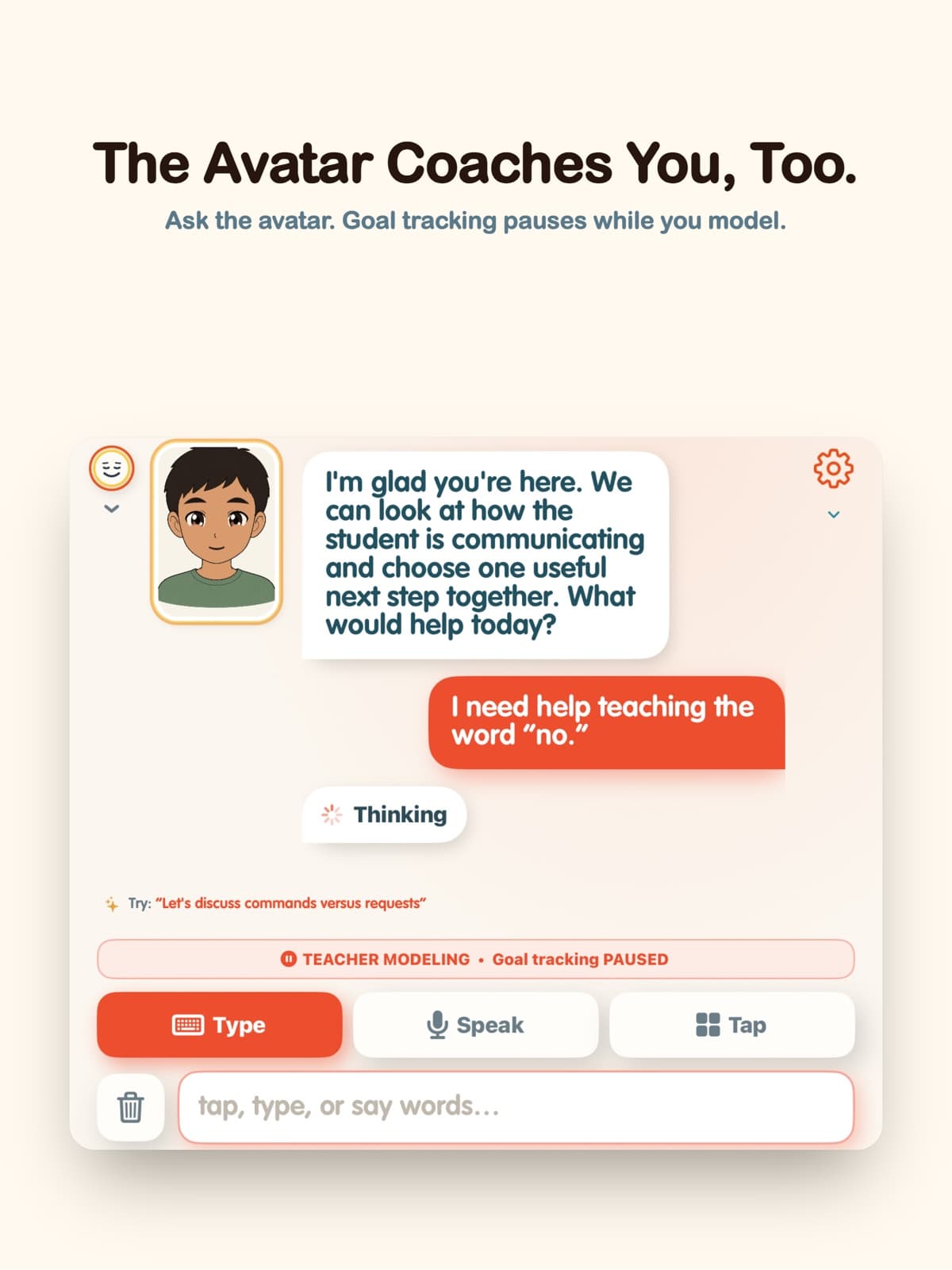
For interactions with enough context, InnerVoice records the opportunity, outcome, source, and rationale. Uncertain responses are excluded from the score for review, and Teacher Modeling keeps adult models out of student data.
Export for EASI creates a plain-text sample labeled by time, speaker, and input mode and opens the iOS Share sheet. Print it or manually bring the transcript into EASI; nothing syncs or uploads automatically.
Transcript Center groups recorded turns into Today, This week, and All. Finish one sample and start the next without losing the earlier record.
Compare utterances, total and unique words, descriptive mean words per utterance, and communication categories, then share the comparison as CSV. Mean words per utterance is not a clinical MLU-m score.
Export for EASI creates a UTF-8 text file. EASI accepts an existing transcript, then requires clinician review and attestation before scoring. InnerVoice does not connect to an EASI account or roster.
Evidence-aligned partner support
InnerVoice's partner guidance and conversation behavior are designed around strategies studied in AAC partner instruction: aided modeling, expectant delay, open questions, and responsive interaction.
Research supports the partner strategies, not a guaranteed outcome from InnerVoice. Goal selection, interpretation, and final documentation remain with the licensed clinician and educational team.
Read the research boundaryThe sample records what was communicated, who communicated it, and whether the input was tapped, typed, or spoken. EASI accepts an existing transcript and keeps review, attestation, scoring, and reporting under clinician control. The handoff is manual—there is no automatic sync.
Explore EASI